How to SIM Unlock iPhone 14: Everything You Need to Know
Avoid using unverified or shady unlocking tools that could damage your device or compromise your data.


The iPhone 14 is one of Apple's most impressive smartphones, packed with cutting-edge technology and a sleek design. However, many users face restrictions due to carrier locks that prevent them from using their device with other networks. If you want the freedom to switch carriers or use your phone internationally, SIM unlock iPhone 14 is the solution you're looking for.
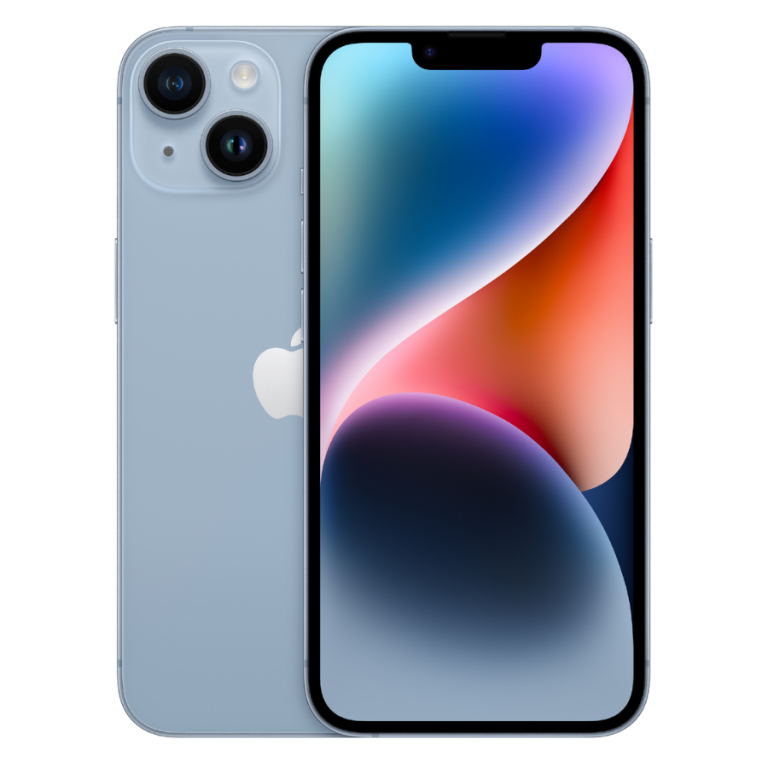
In this guide, we'll walk you through everything you need to know about how to SIM unlock iPhone 14, its benefits, and how to do it safely and legally.
What Does SIM Unlock iPhone 14 Mean?
When you purchase an iPhone 14 from a carrier like AT&T, Verizon, or T-Mobile, it's often locked to that specific network. This means you can't simply insert a SIM card from a different carrier and expect it to work. A SIM unlock iPhone 14 process removes this restriction, allowing your iPhone to work with virtually any compatible carrier worldwide.
Unlocking your iPhone gives you the flexibility to:
-
Switch to a different carrier without purchasing a new phone.
-
Use local SIM cards while traveling abroad to avoid expensive roaming charges.
-
Increase your iPhone's resale value, as unlocked phones are more desirable.
How to Check if Your iPhone 14 is Locked
Before you proceed with the SIM unlock iPhone 14, it's important to confirm whether your device is actually locked. Heres how to check:
-
Go to Settings on your iPhone.
-
Tap General, then About.
-
Scroll down to Carrier Lock.
-
If it says No SIM restrictions, your iPhone is already unlocked.
-
If it shows a specific carrier, your iPhone is locked to that network.
If your iPhone 14 is locked, dont worry unlocking it is possible.
Methods to SIM Unlock iPhone 14
There are several ways to SIM unlock iPhone 14, depending on your situation:
1. Contact Your Carrier
The most straightforward and legitimate way to unlock your iPhone is to contact the carrier you bought it from. Most carriers will unlock your device if you've:
-
Paid off the phone completely.
-
Completed the required contract or installment plan.
-
Have an account in good standing.
Each carrier has its own unlock request process, which typically takes a few days. Here are some popular carrier support links:
-
AT&T Unlock Portal
-
Verizon Device Unlock
-
T-Mobile Unlock Request
2. Use a Third-Party Unlock Service
If you're unable to unlock your iPhone through your carrier for example, if you bought it second-hand you can consider using a reputable third-party service to SIM unlock iPhone 14. These services often charge a fee but can unlock your iPhone remotely without voiding your warranty.
Note: Always research the service provider, check reviews, and ensure they offer a money-back guarantee to avoid scams.
3. Unlock via Apple (for Factory Unlocked iPhones)
Some iPhones come factory unlocked directly from Apple. If you bought your iPhone 14 from an Apple Store at full price without a carrier plan, it's likely already unlocked. You can verify this through the settings as mentioned earlier.
Benefits of SIM Unlocking iPhone 14
Unlocking your iPhone 14 offers several advantages:
-
Freedom to Switch Carriers: Easily change networks to get better coverage or pricing.
-
Use International SIM Cards: Ideal for frequent travelers who want to avoid hefty roaming fees.
-
Increased Resale Value: Unlocked iPhones attract higher prices on resale platforms like eBay or Facebook Marketplace.
-
No Software Limitations: Enjoy the full functionality of your iPhone without carrier restrictions.
Things to Keep in Mind
While the process to SIM unlock iPhone 14 is generally safe and legal, consider these points:
-
Unlocking does not jailbreak your iPhone or compromise security.
-
Your iPhone must be paid off or meet your carriers eligibility criteria.
-
Avoid using unverified or shady unlocking tools that could damage your device or compromise your data.
-
Unlocking your iPhone does not automatically make it compatible with all carriers. Always check network compatibility, especially if switching to international carriers.
Conclusion
The process to SIM unlock iPhone 14 is easier than ever, giving users the freedom to choose the carrier that best fits their needs. Whether you're looking to save money, travel internationally, or simply increase your iPhone's value, unlocking is a smart move.
If you're unsure about the process, start by contacting your carrier. If thats not an option, explore trusted third-party services to safely unlock your device. With an unlocked iPhone 14 in hand, you can enjoy the ultimate freedom and flexibility that modern mobile technology has to offer.